 MSign
MSign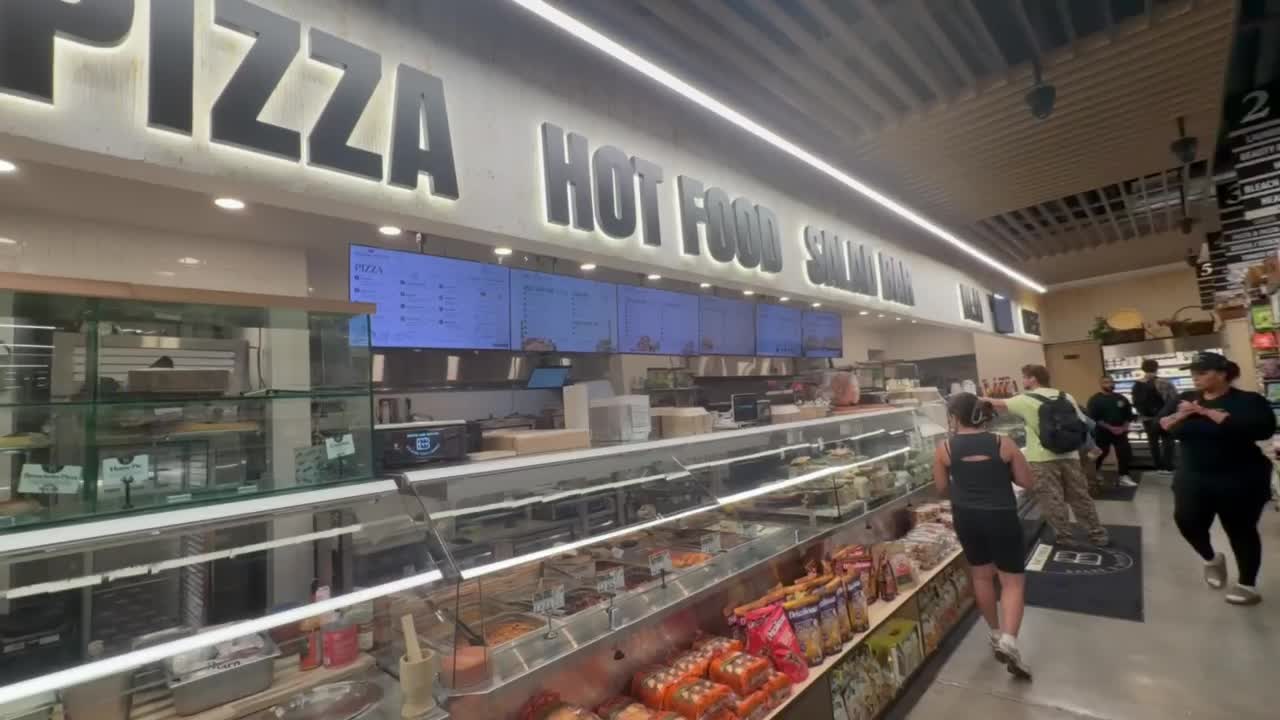
Your menu,on the TV you already have.
Put MSign on the screen behind the counter and change it from your phone. New prices, today's special, the thing you just ran out of. No new hardware.
Works on Samsung and LG smart TVs, Fire TV, Android TV boxes and streaming sticks. Cancel anytime.
Sold out? Fixed before the next customer orders.
- Change it from your phone.
- Edit, press Publish, done. The TV updates in seconds, whether you're at the register or at home.
- Runs on the TV you own.
- A smart TV, a Fire TV, an Android box. If it can open a web page, it can run MSign. Nothing to buy or mount.
- Keeps playing if the wifi drops.
- The screen holds on to the last thing you published and catches up when the connection comes back.
Breakfast ends at 11. The board already knows.
Give each part of the day its own board. MSign switches on schedule, every day, without anyone touching the TV.
Not only menus. Any room with a TV.
A menu board, a lobby wall, a shop window, a hallway, and a waiting room each have a different job. Pick one to see how it plays.
Menus
Restaurants and Cafes
Change the board when the menu changes. A special, a sold-out dish, and the shift from lunch to dinner do not need a reprint or a trip to the wall.
- Dayparts for breakfast, lunch, dinner, and late night
- Images and video, in the order the room should see them
- Publish from the office, the line, or another city

Counter
Menu boards

Service line
Today's menu
Lobbies
Offices
The lobby should match the day. Welcome a visitor, post the afternoon meeting, and replace an announcement before the next person walks in.
- Announcements you can replace the same day
- A different list for the lobby, a floor, or a meeting room
- Web pages, images, and video

Lobby
The wall

Hall
Video wall
The floor
Retail
Show what is actually in the shop. When the product changes, the screen changes with it, including at your other locations.
- Window and in-store playlists, each on its own schedule
- The same campaign in more than one shop
- A change that does not wait on a reprint

The floor
Scan the offer

The window
Holiday style
Campus
Schools and Universities
A hallway, a lecture hall, a campus green. The schedule on the screen should still be the right one when the next class starts.
- Bell times, lectures, and events in one playlist
- The same list across a school or a whole campus
- An update from the office, not from a printed poster

The hall
Today's news

Between classes
This period
Care
Hospitals & Medical Offices
A hospital queue, a department directory, a medical office's afternoon hours. The screen should stay current without a walk down the hall.
- Now serving in a waiting room, and hours in a medical office
- Department and wayfinding type large enough to read from a seat
- An update from the desk, not from a ladder

Waiting room
Now serving

The clinic
Today's hours
On the TV in ten minutes.
No installer, no cables beyond the plug. The TV shows a code, your phone claims it, and the screen is yours.
Open MSign on the TV.
Install the MSign app on an Android TV box or stick, or open the player in the TV's web browser. The screen shows a 4-digit code.
Type the code on your phone.
Sign in, open TVs, tap Add TV and enter the code. Give the TV a name and pick its location.
Choose what it plays.
A playlist, a photo, a video or a web page. It's on the screen in seconds and stays there until you change it.
Works on Samsung and LG smart TVs, Fire TV, Android TV boxes and streaming sticks.
Pick a plan. Change it or cancel anytime.
Starter
One screen, up and running today.$19 a month1 TV included, add up to 2 more at $15 a month each. 1 location, 3 team members, 5 GB for photos and video.
Start with StarterPro
Every screen in your business, managed from one place.Most popular$49 a month5 TVs included, add up to 20 more at $10 a month each. 5 locations, 10 team members, 50 GB for photos and video.
Start with ProBusiness
For chains and multi-location operators.$129 a month15 TVs included, add as many as you need at $8 a month each. Unlimited locations and team members, 250 GB for photos and video.
Start with BusinessBilled monthly to your card. No contract. Card fees are itemized at checkout and waived for debit. Running more than a handful of locations? Write to us about a rollout.
Questions we hear first
Can't find your answer? Write to support@mtechdistributors.com and we will write back.
What is MSign?
MSign is digital signage software for businesses that already have screens. It plays images, video, and web pages, and someone on your team updates those screens from a browser. We are based in the New York metro. The screens can be anywhere in the United States, from restaurants and cafes to offices, shops, schools, universities, hospitals, and medical offices.
What is digital signage software?
It is the system that decides what a screen plays. Instead of walking over to change a poster or a menu, you arrange images, video, and web pages into a playlist and publish it. The screen downloads that playlist and keeps playing it.
What screens does MSign run on?
MSign runs on TVs a business already owns: Samsung and LG smart TVs with a web browser, Fire TV, Android TV boxes and streaming sticks, and any screen that can open a web page. The MSign app on an Android TV device adds autostart and offline video. You do not need new hardware on the wall to change what is playing.
Can a restaurant change a menu without going back to the location?
Yes. Daypart scheduling is built for that. Breakfast, lunch, and dinner can each be their own playlist, and a special can be published from a browser while service continues.
Does MSign work outside New York?
Yes. MSign is based in the New York metro, and the software serves screens anywhere in the United States. A playlist published here can update a screen in another city.
What happens if the internet drops?
The screen keeps playing the playlist it already downloaded. A lost connection should not leave the room with a blank display. When the network returns, the screen picks up the latest publish.
Can one person run screens in more than one place?
Yes. MSign is meant for one screen or a group of them. The same playlist can go to several screens, and different rooms can play different lists.
What does MSign cost?
MSign is a monthly subscription. Starter covers one TV; bigger plans include more TVs, locations and team members, and extra TVs are a flat monthly price each. Every plan is on the pricing page. Checkout itemizes any card fee and waives it for debit, and you can change plans or cancel anytime.
How do I get started?
Pick a plan on the pricing page and pay for the first month by card — your account works right away. Open MSign on the TV, type the 4-digit code it shows into MSign on your phone, and publish something. Most first screens are playing within ten minutes.
Put something new on the TV tonight.
MSign is made in New York and runs on TVs across the United States.